On this page
receipt_long
Transactions
You can view the transaction history for all your assets.
General Statistics
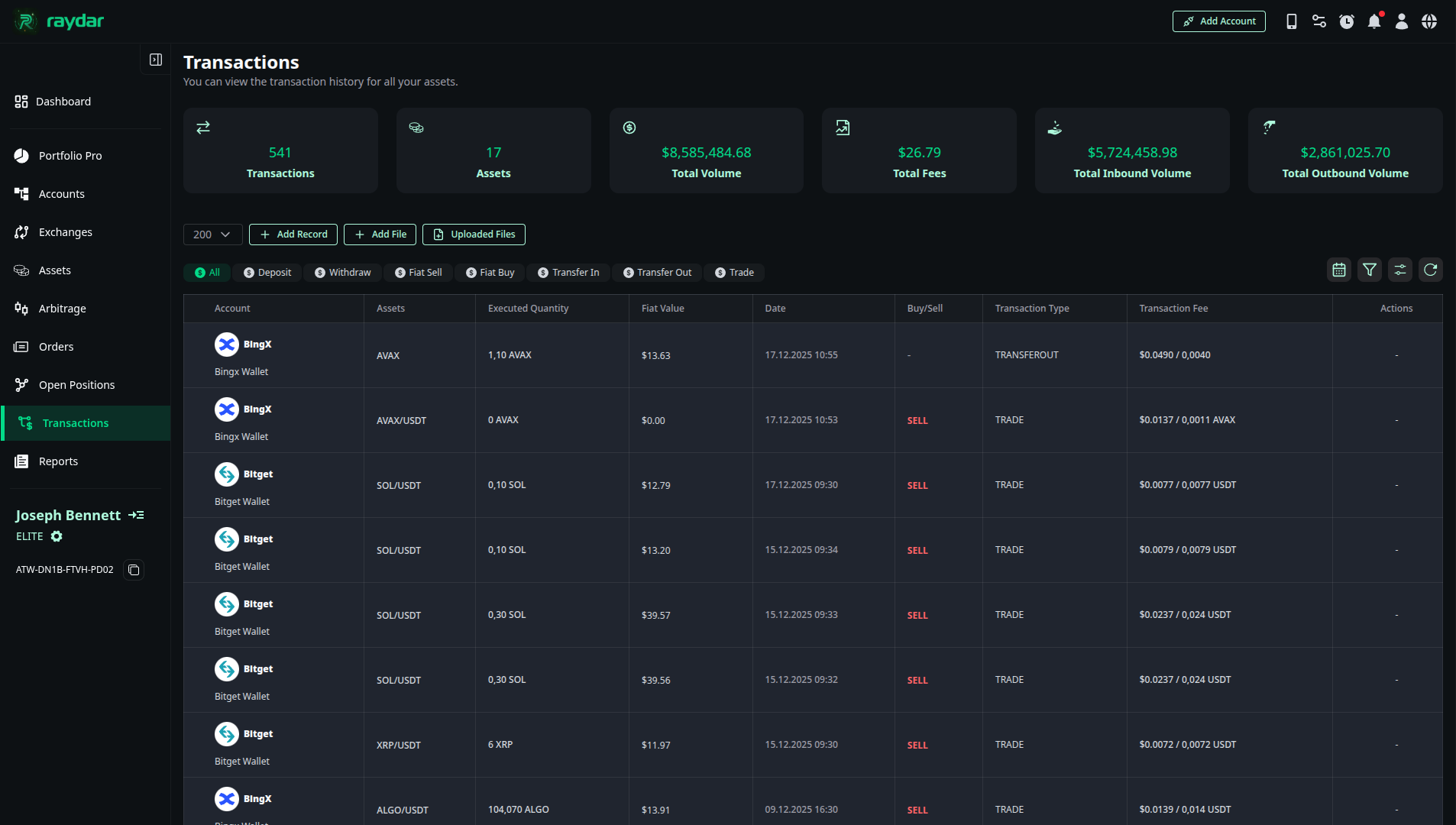
At the top of the page, you will find metrics summarizing your entire transaction history:
- Total Transactions / Assets: The total number of transactions made to date and how many different assets these transactions cover.
- Total Volume: The total volume of all transactions.
- Total Inbound / Outbound Volume: The total volume of assets entering (Deposit, Buy) and leaving (Withdraw, Sell) your wallets.
- Total Fee: The cumulative transaction fees paid for all activities.
Transaction List and Details
The list view transparently presents the details of each transaction:
- Account & Asset: Which exchange and which asset (Coin) the transaction involves.
- Executed Quantity: The amount of the asset involved in the transaction.
- Fiat Value: The fiat currency (USD/EUR, etc.) equivalent at the time of the transaction.
- Date & Type: The date and type of the transaction (Buy, Sell, Deposit, etc.).
- Transaction Fee: You can view the paid commission in two different ways:
- Asset Basis: In terms of the coin deducted (e.g., 0.005 BNB).
- Currency Basis: In terms of your selected currency (e.g., $1.20).
Manual Transaction
For certain cases, you can manually add data externally using two methods:
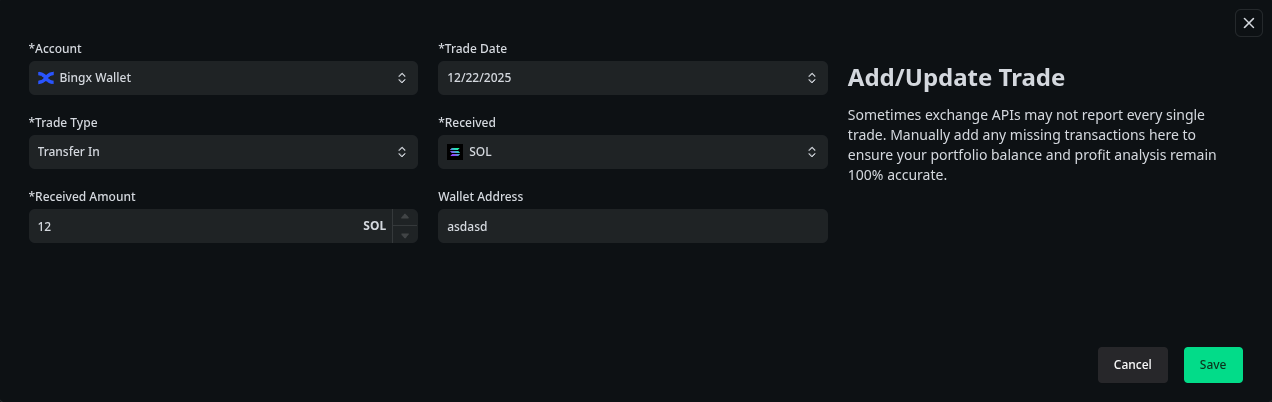
- Manual Entry (+Add Record): Used to add single transactions. You can create records for the following types:
- Deposit, Withdraw, Fiat Buy, Fiat Sell, Transfer In, Transfer Out, Trade.
- Deletion: You can delete erroneous records by clicking the trash can icon on the far right of manually added entries.

CSV Management
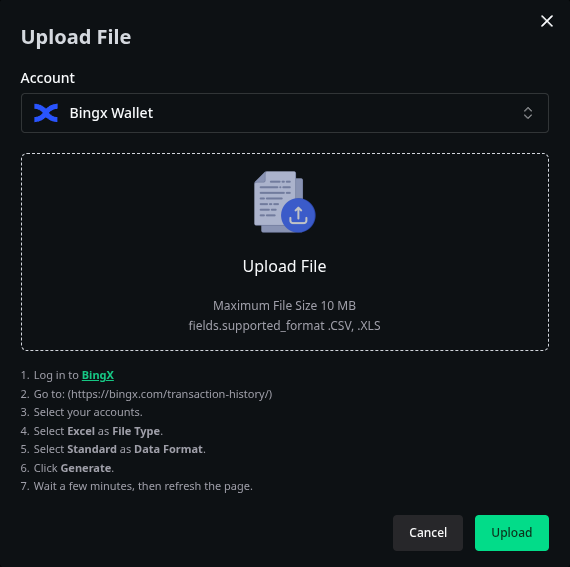
- Bulk Upload via CSV: You can select an exchange and upload a CSV file containing your historical data for that exchange.
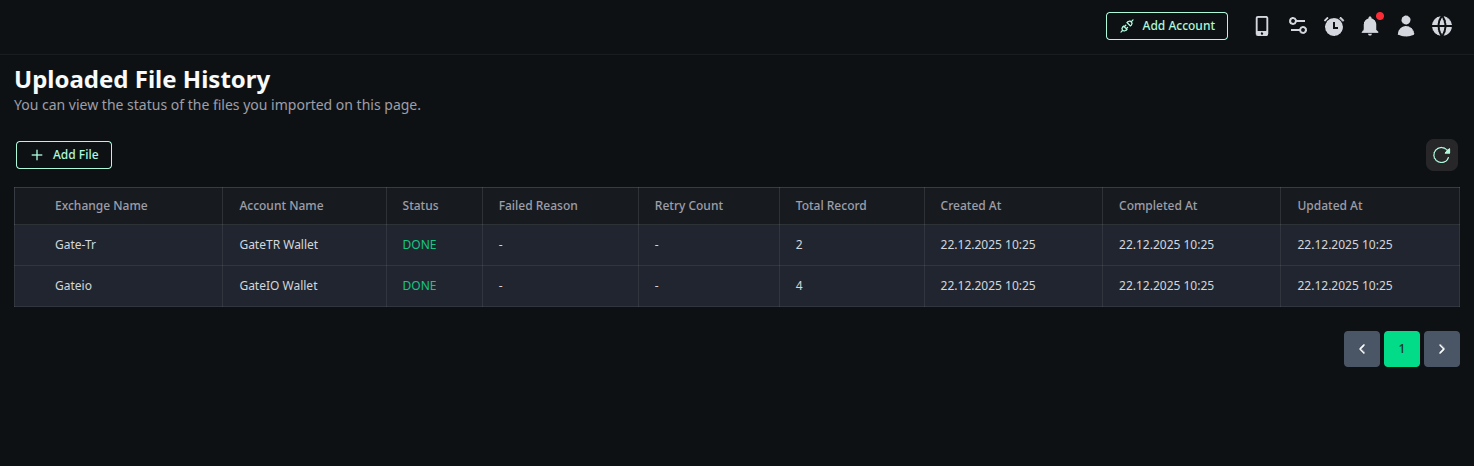
- Uploaded File History: You can view and manage the history of previously uploaded CSV files here.